



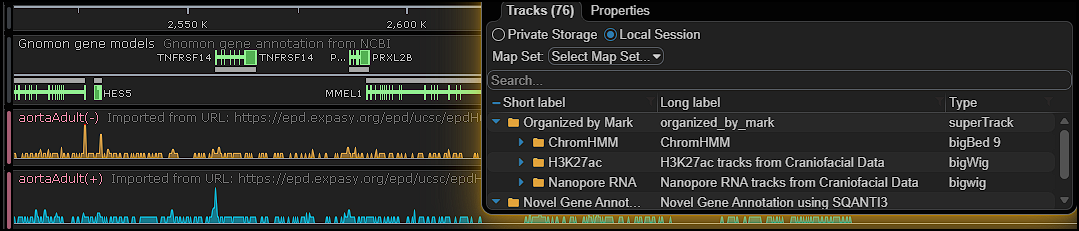
Load External Tracks from TrackHub
We’ve significantly expanded the ability to work with external data by adding support for TrackHub registries. This enables Persephone to load tracks directly from remote hubs without importing them into the database, making it possible to cherry‑pick exactly the datasets you need from large public or private collections.
The TrackHub protocol exposes a wide range of track types — bigWig, bigBed, bed, bedGraph, GFF, and others — all properly formatted for immediate visualization. Users can browse TrackHubs hosted anywhere in the world, including hubs maintained within their own organization, and instantly display the selected tracks in Persephone.
This is especially powerful when working with large repositories, such as thousands of expression files. TrackHub metadata provides both short and long labels, allowing users to quickly filter, search, and identify the right tracks without manually managing files or pre‑loading them into the system.
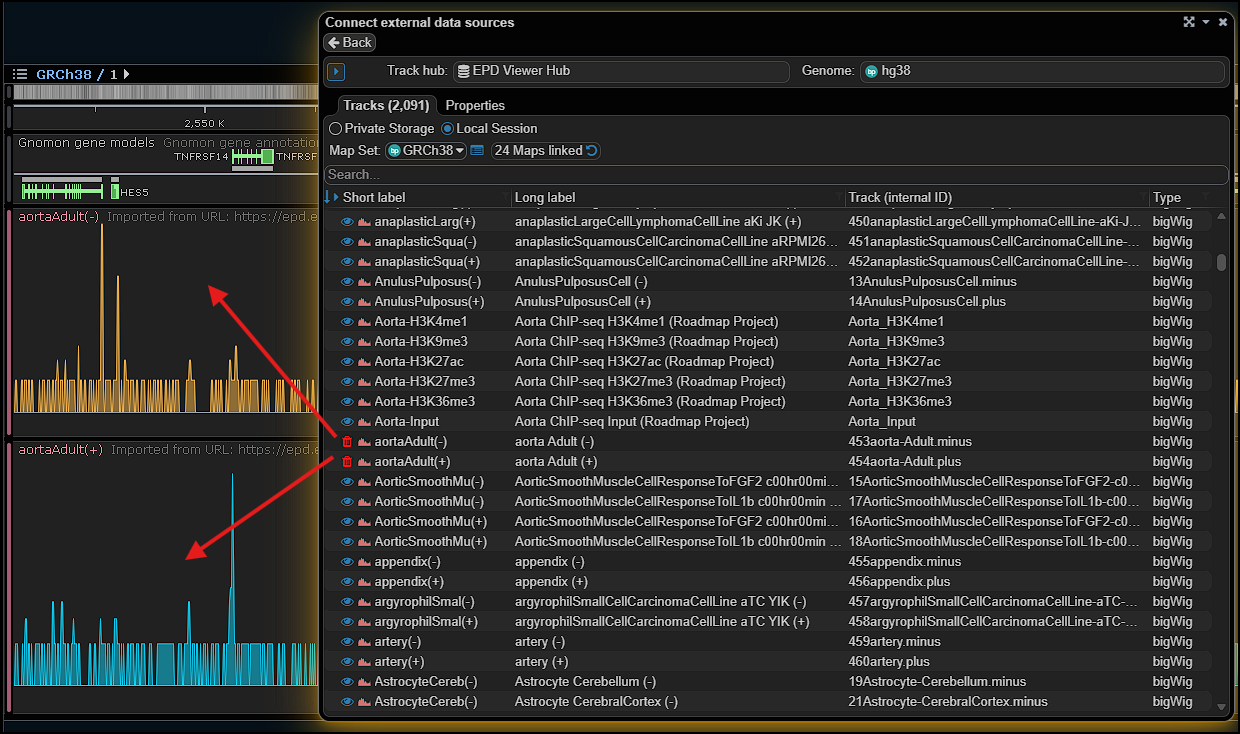
The TrackHub interface can be opened via the main menu item Import or as a tab in the Connect… form. To start browsing the tracks, enter the search keyword — the matching TrackHubs will be highlighted.
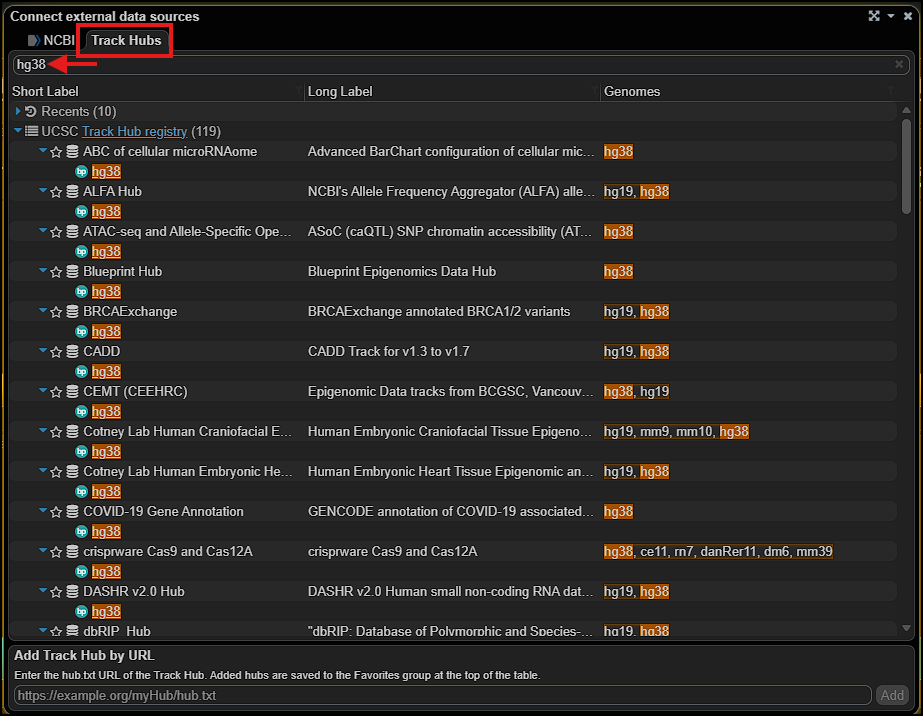
If you don’t see a specific TrackHub in the public registry and you know its URL, type it into the text field at the bottom of this form and add it to the list.
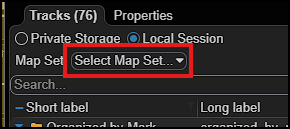
After opening a TrackHub, you will see the list of available tracks. Although the TrackHubs are associated with specific genomes, we must map them to map sets in our system. The top of the form shows the map set tree to guide your selection.
The rest of the track-adding process is a shortened version of the standard Import workflow. The program will try to skip unnecessary steps, such as selecting a color for the track features or giving it a custom name. All this can be customized later via the Configure track options context menu.
All in all, TrackHub support makes working with external data in Persephone way easier. Instead of juggling huge folders of files or loading everything into the database first, you can just browse hubs, pick the tracks you want, and start exploring right away. It keeps things lighter, faster, and a lot more flexible — especially when you’re dealing with big collections like expression datasets. TrackHubs basically let Persephone tap into a world of ready‑to‑use genomic data without the usual hassle.
We’re always looking to improve, so feel free to share any suggestions you have about working with external tracks.