



Feature Update: Connector Filtering
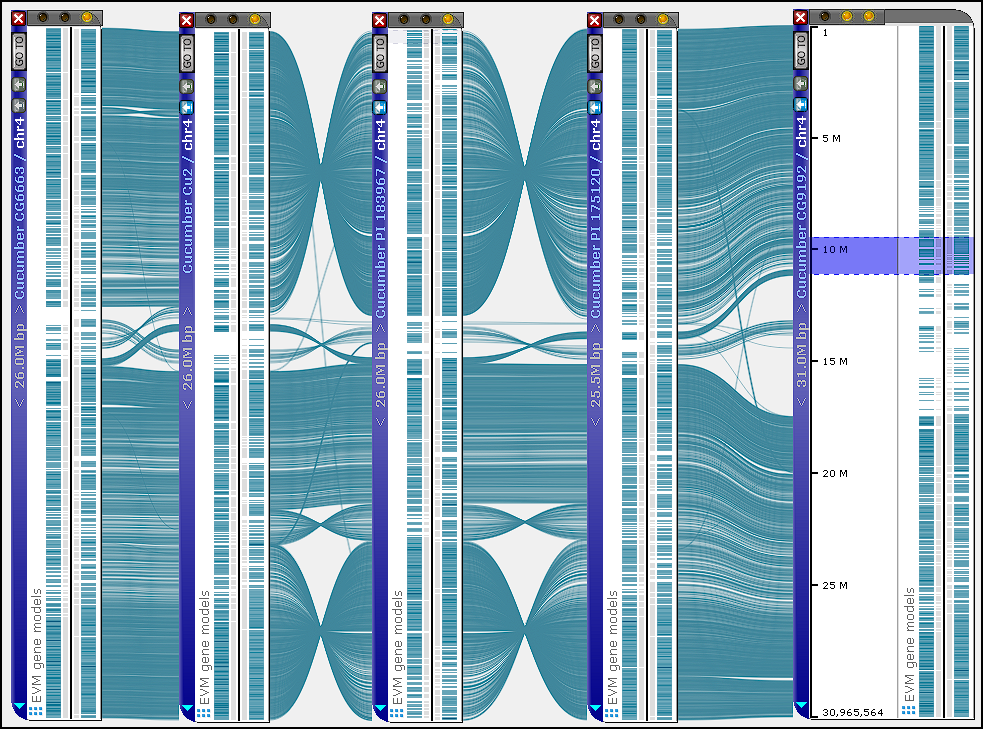
When multiple maps are displayed with thousands of connectors linking shared features, it can be difficult to trace which regions correspond to a specific interval. The new version of Persephone introduces connector filtering, allowing you to hide all links except those associated with a highlighted genomic block.
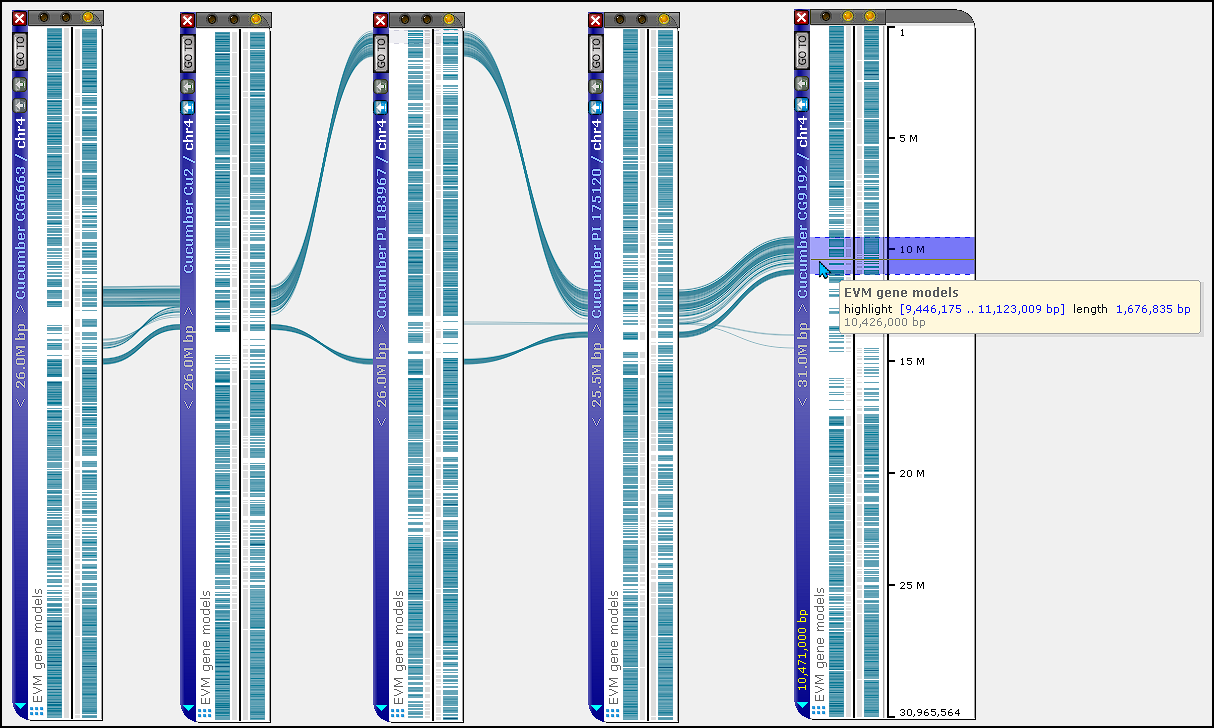
To use this feature, align two or more maps and create a highlight on one of them by dragging the mouse while holding the Ctrl key. When you hover over the highlighted region, Persephone shows only the connectors that link features within that interval to features on the other maps. All unrelated connectors are temporarily hidden, clearing the view and making it easy to follow the “story” of a segment across multiple syntenic maps.